Show the exact issue
Attach a short recording or cropped screenshot when a written explanation would be unclear.
Made for quick, private visual notes
When a screenshot is easier than a paragraph, CaptureKit helps you show exactly what you mean: full pages, selected areas, short tab recordings, and desktop captures kept on your device.

Built for the small moments where a teammate needs the exact screen, not another meeting.
Helpful for support tickets, QA notes, design reviews, and handoffs.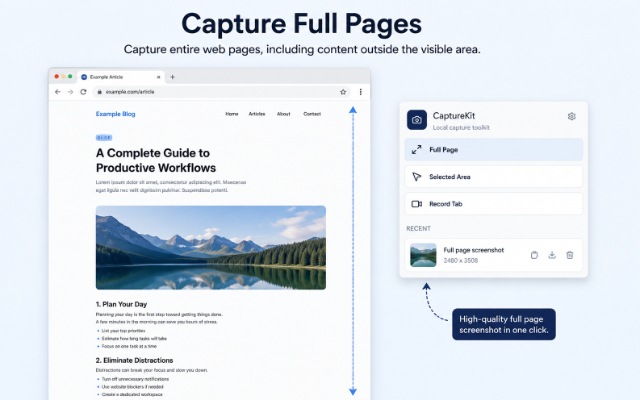
Attach a short recording or cropped screenshot when a written explanation would be unclear.
Capture long pages, broken states, and edge cases without losing the surrounding context.
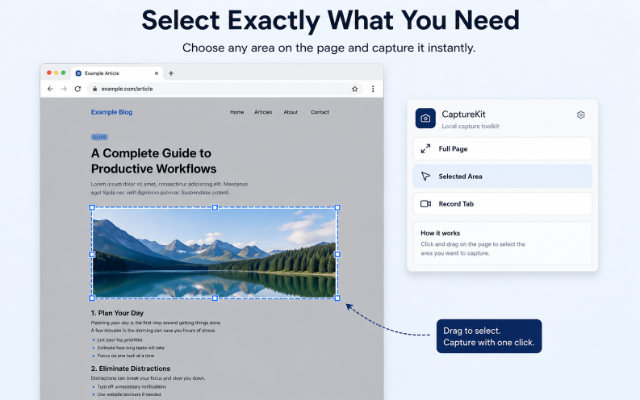
Grab the specific area that needs feedback and keep the conversation focused.
Desktop app
Install the local-first desktop app on Windows 10 or Windows 11 to capture full displays, selected desktop areas, and screen recordings with optional microphone audio.
Features
The popup stays simple because most capture jobs are simple: open it, choose the format, and move on with a file you control.
Save long pages as PNGs with viewport stitching, DPR-aware sizing, and page-state restoration after capture.
Draw a precise area, cancel with Escape, confirm with Enter, and store the cropped PNG locally.
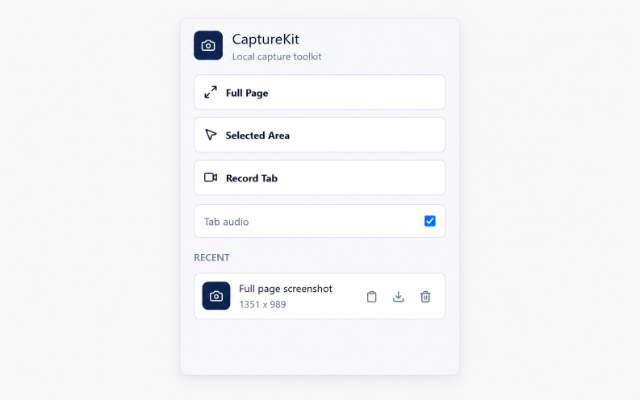
Record the current tab for up to 60 seconds with optional tab audio where the browser supports it.
Privacy
Screenshots and recordings are processed locally. Temporary recordings expire after 5 minutes, and cleanup runs automatically.
Workflow
CaptureKit avoids project setup, logins, and dashboards. It gives you the capture, then lets you decide where it belongs.
Use Full Page for long documents, Selected Area for a focused crop, or Record Tab for short visual context.
Browser access is requested only after your click, with purpose-built helpers injected for the selected action.
Copy, download, or remove saved captures from the recent list without sending content to a server.
FAQ
Email support@topoagency.com with the browser name, extension version, and a brief description of what happened.
No. CaptureKit has no backend, account system, analytics, telemetry, advertising SDK, or cloud sync.
Firefox MV3 does not expose Chromium tab capture. CaptureKit opens a local recorder page and uses the browser display picker.
Send browser compatibility notes, install questions, or rough bug reports. Include the browser name and what you were trying to capture, and we will have enough context to start.